Preparing a developer handoff
What to Send a Developer When Your App Is Unfinished
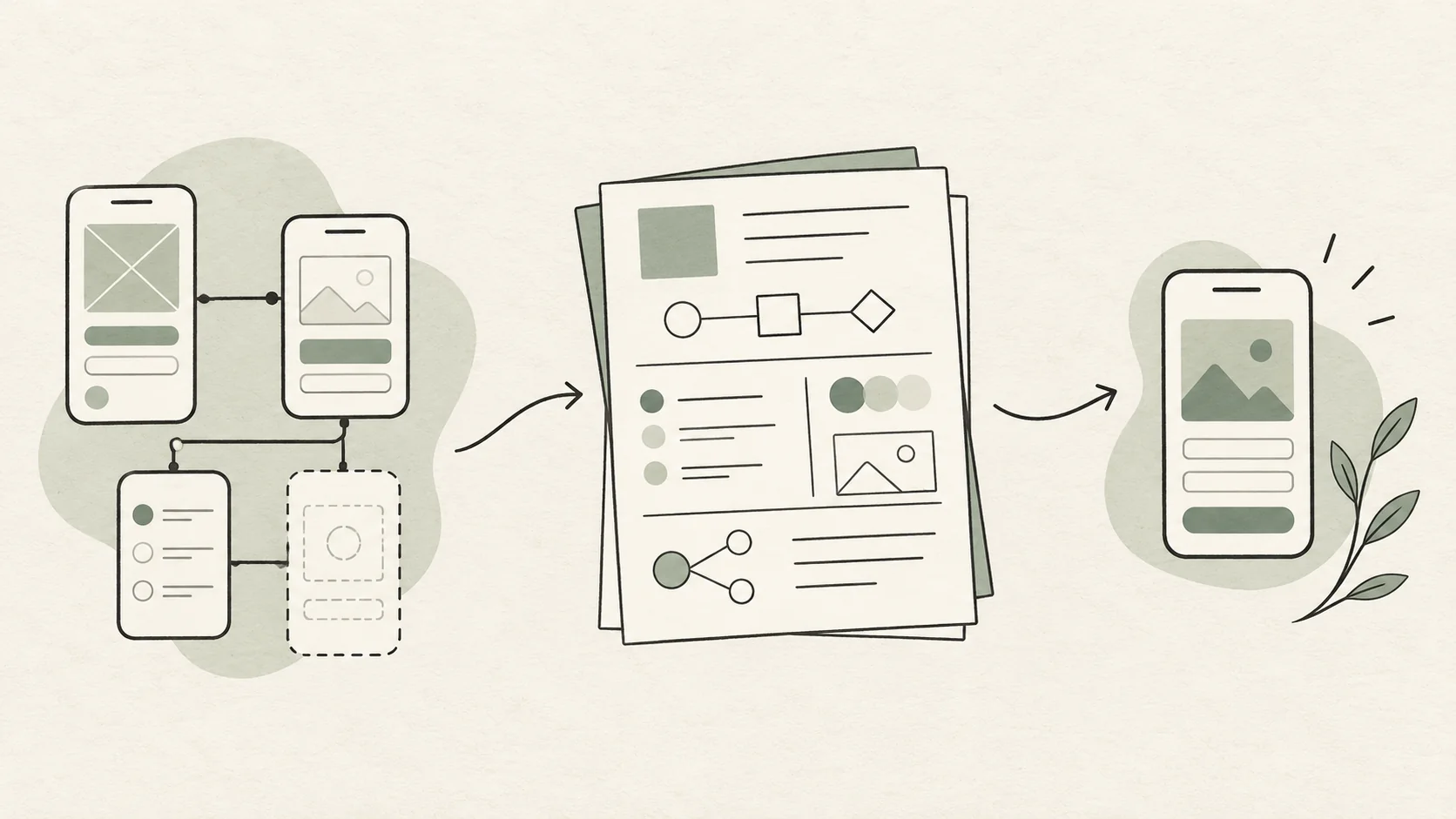
Send a short description of the app, what already works, the main thing blocking progress, and what you want to happen next. Include a public preview if it is safe to share. You don't need to diagnose the code before asking for help, and you shouldn't put passwords or private customer information in your first message.
If you've built a prototype with an AI tool or worked with another developer, you may have plenty to show and still find it hard to explain what's left. “It's almost finished” doesn't say which parts someone can rely on. “The app is broken” doesn't say where to start.
A useful handoff gives the next developer enough context to discuss the work and decide what needs a closer look. You can use the worksheet below without knowing your technical stack.
Start with the task the app should support
Describe what someone uses the app to do. Keep it concrete:
A customer uploads a document, checks its status, and downloads the finished result.
That gives the developer a journey to understand. A list of screens such as “dashboard, settings, uploads” says less about how the product should work.
Then explain where you are now. Is this a prototype only you have tried? Are other people testing it? Does it already serve customers? Say whether the preview contains real data before you offer access.
If you used Lovable, Bolt, Replit or another builder, name it. If someone else built the app and you don't know the tools, write “I'm not sure.” You can establish the technical details during a review.
Separate what works from what you assume works
Record what you've actually seen, with any limits:
- “I can sign in with my own account. I haven't tried a fresh customer account.”
- “The upload screen accepts a file, but I don't know whether it stays saved.”
- “Checkout works in test mode. No real payments have been taken.”
These are examples, not claims about a particular app.
You don't need to complete a new round of testing to fill this in. Write down what you already know. If an action could charge someone, change a customer's records or expose private information, don't run it just to prepare the handoff.
The distinction helps define the review: a screen appearing to work is different from having verified the records, permissions and connected services behind it.
Describe the blocker without guessing its cause
For the main issue, include:
- What you were trying to do.
- The steps you took, using dummy information where possible.
- What you expected to happen.
- What happened instead, including the exact error if you can share it safely.
A redacted screenshot or a short recording can help. Check the whole capture for names, email addresses, documents, account details and visible credentials before sending it.
For example, “After I refresh the upload page, the document is no longer listed” is more useful than “The database is broken.” The first describes something you observed. The second assumes a cause the developer still needs to investigate.
Mention whether the issue happens every time or only sometimes. If a previous fix changed the behavior, include that too. You don't need to paste an entire AI chat history into the first message.
Copy this project-handoff worksheet
Fill in what you know and leave the rest marked “unknown.” Keep credentials and private records out of this document.
App purpose
Who is the app for?
What is the main task they should be able to complete?
Current stage
Is it a prototype, a test version or a product serving customers?
Is there a safe public preview or a redacted demonstration?
How it was built
Which builder, framework or previous developer was involved, if known?
Where is the project maintained? Name the platform or repository location without sharing access credentials.
What works today
What have you personally observed working?
Under what conditions: your account, a test account, dummy data or a test payment environment?
Main blocker
What were you trying to do?
What steps led to the issue?
What did you expect, and what happened instead?
Can you attach a redacted screenshot or recording?
Desired next outcome
What is the smallest useful result you want next?
What would you need to see to accept that result as complete?
Accounts and constraints
Who controls the builder workspace, code repository, hosting and connected services?
Are there access, budget or timing constraints the developer should know about?
List account owners or services here, not passwords or keys.
Still unknown
What hasn't been checked?
What questions would you like the developer to investigate first?
An example of a useful first milestone
This is an illustrative example, not a client project:
I have a prototype where customers upload documents and check their progress. I built the first version with an AI builder. Sign-in works with my account, but I haven't tested separate customer accounts.
The main blocker is that a document disappears from the list after I refresh the page. I don't know whether it was saved or whether the list failed to load it.
My first priority is a reliable upload-and-return journey using test data. Before inviting customers, I also need the developer to verify that each account can only access its own documents. I'm not asking for the reporting dashboard yet.
This names the behavior to investigate, keeps an unverified access question visible, and puts a boundary around the next piece of work. It doesn't diagnose the fault or promise that the fix will be small.
Arrange access separately
Don't send your main account password, API keys, database credentials or an environment file through a public inquiry form. Keep private customer records out of screenshots and attachments.
Once you've agreed on the review and working arrangement, establish which systems the developer needs and how access will be granted. Use individual invitations and limited permissions where the service supports them. OWASP's secrets-management guidance recommends least-privilege access rather than giving engineers access to every secret.[2]
If you don't control an account or repository, say so before work starts. It is a dependency to resolve, not a reason to send someone else's login.
What happens after the first conversation
The worksheet helps start the discussion. It isn't enough on its own to confirm a price, completion date or whether the app should be rebuilt.
When I review an existing app, I look at the product and codebase, what already works, and what you want to achieve. The first milestone can be defining the remaining work before agreeing on the full build.[1]
If your question is whether the app is ready for paying customers, use the separate launch-readiness guide to distinguish checks you can make yourself from questions that need technical verification.[3]
Have an app you want to finish? Show me what you've built, with a short note about what works and the main thing you want to resolve. You can also read about finishing or improving an existing app.